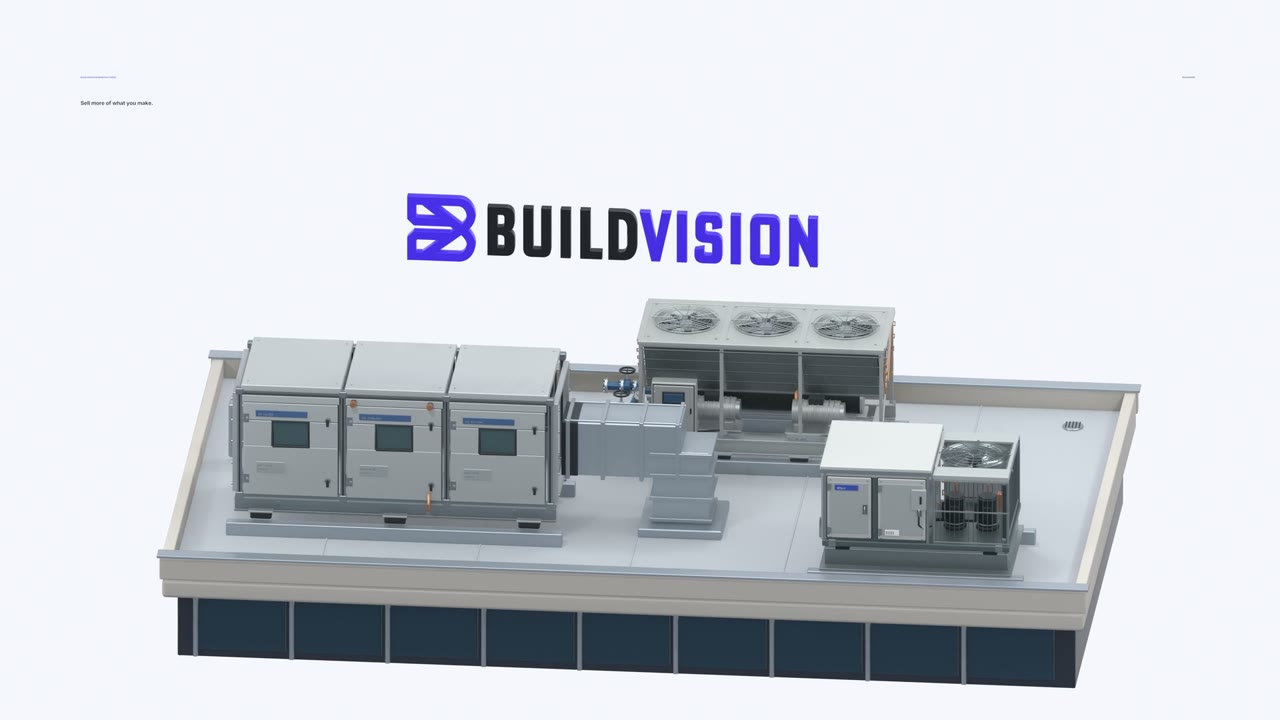
BuildVision turns the work flowing through your sales network into intelligence and action, so you win the spec.
BuildVision AI scans your sales inbox and follows links across more than twenty-five services, including Dropbox and SharePoint. It uses your logged-in credentials to download construction documents, even across multiple bid lists.
Every page is labeled. Jump straight to hydronic pumps on page one thousand twenty-seven of this nineteen-hundred-and-four-page document. Open the submittal requirements on the next page, with the exact paragraph highlighted. No control-F and pray.
Your reps and sales offices supply the bid traffic. BuildVision extracts requirements and links every field to its exact location in the documents. It also normalizes terminology and converts units. Whatever an engineer calls cooling capacity, BuildVision maps the right value to MBH for your unit. Total and sensible capacity stay distinct.
BuildVision takeoff tooling is optional, depending on your equipment. It helps reps perform takeoffs faster. Let AI find tags and units on the plans, then pull the data behind each tag: airflow, size, equipment type, and its location on the sheet. It is especially useful for high-quantity items like grilles, registers, diffusers, and water-source heat pumps. Export to Bluebeam to review and finish anything AI may have gotten wrong. At the same time, quantity data improves your market intelligence.
See demand by product, territory, and engineering firm. Custom air handlers: thirty-three percent basis of design at B R plus A. Water-source heat pumps: twenty-two percent at Cosentini. Track your own B.O.D., but also track your competitors so you know who to target where.
Spot an engineer who specifies your chillers, but specifies a competitor for the rooftop package. Give your regional team the projects and evidence to act, so you win the spec.
Sync the data BuildVision extracts directly to your CRM of choice. We help with a custom rollout, mapping the data to your existing fields. Track details you may never have captured before: initials on the engineer of record’s stamp, the project owner, vertical market, and more. Keep the source attached, so your team can act with context.
Construction documents and emails from the engineer of record feed your selection software. A request for a hundred-ton chiller for a hospital expansion in Wyoming becomes structured inputs: twelve hundred MBH, healthcare, Wyoming. The software produces the equipment selection, ready for your team to review.
Carry those selections into submittal packages, bringing the product data and supporting documents together for review.
Your model is named, but a key feature is missing from the specification. BuildVision connects that gap to the engineer of record and their contact information. Turn actionable data into a valuable to-do list for your sales force: contact the engineer, share the evidence, and follow up before bid day. Win more of your B.O.D.
BuildVision builds the MCP server, connector, or plugin that connects OpenAI, Claude, Google, or any AI tool to YOUR data. You have the data. Let your customer’s AI access it. Their question reaches your technical library, and the answer comes back with the source attached.
Now your customer can ask about service clearance. The answer comes with your installation manual, open to the exact passage on page eighteen. The cited passage specifies thirty-six inches of service clearance.
BuildVision. Email Ben at BuildVision dot I O to learn more. Or send a project to Bids at BuildVision dot I O for testing.

 reads every bid